Retrieving Parent Interview and Spring Parent Survey Data
LEPs can retrieve parent interview and spring parent survey data from the current school year as soon as they have entered it.
Go to: https://survey.fpg.unc.edu/educare
Instead of logging in with a child ID as you would to enter interview data, log in with your UNC ONYEN and password.
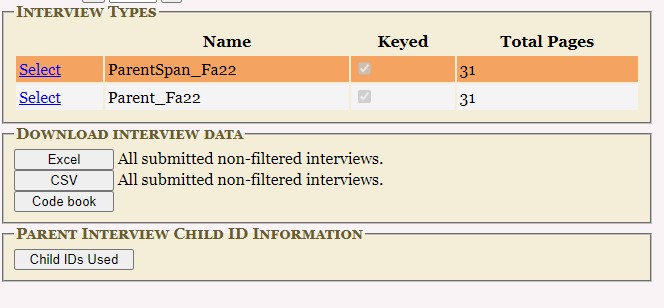
You will then be able to download a spreadsheet with the variables you have entered (but not with any scale scores calculated). Click select beside the survey you are interested in. You can download either excel or csv sheets with the buttons below.
The codebook button gives you access to basic information about the variable names in the downloaded file and the range of values for each question.