Class Rosters – Connecting Children to Classrooms
Once children and classrooms have been created in the database, LEPs must connect children to classrooms each semester. As with other types of information, children can be connected to classrooms manually or via upload.
Manual
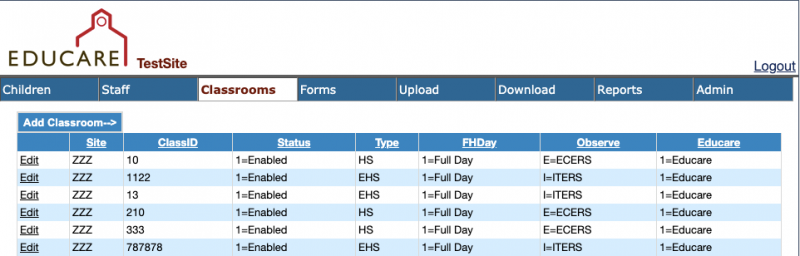
Select the Classrooms tab, then click Edit beside the classroom you are linking children to
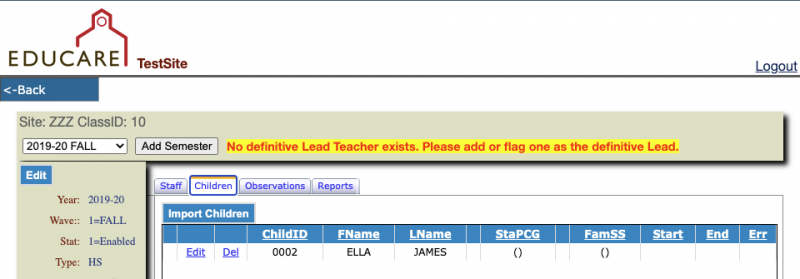
Choose the Children tab, then click Import Children.
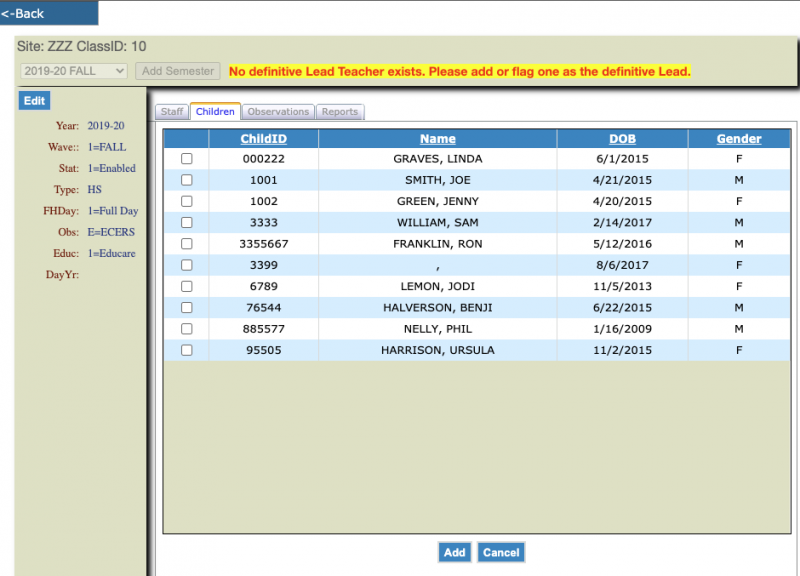
Using the boxes to the left, select the children that are enrolled in that classroom. When all the children are selected, click the Add button at the bottom of the page.
Upload
Select the Upload tab and click New Upload
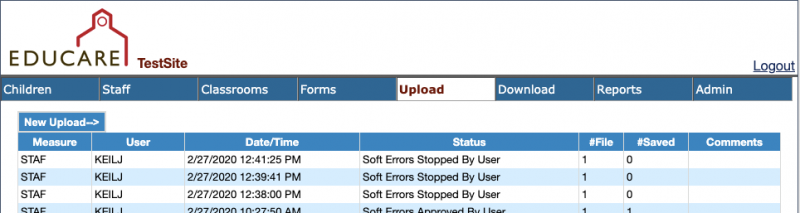
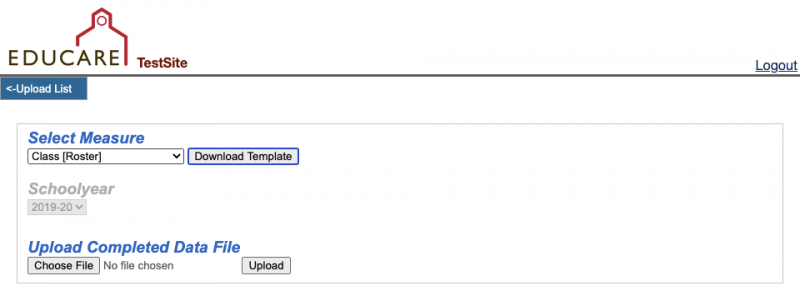
From the New Upload page, you will select Class [Roster] from the Select Measure dropdown. You are able to download a Class Roster template (and a number of other templates) and then upload the template once it is completed. Click the Choose File button to select your Excel data file to upload.
Go to the Documents section of FPG’s SharePoint site to find a data dictionary of the variables to use in uploads (codes for Wave Type, etc.). The data dictionaries are in the Educareis Website Dictionaries folder.