
Adding Classrooms
Go to https://survey.fpg.unc.edu/educareis/
Log in using your UNC ONYEN and password
There are two ways to add classrooms – manually entering one classroom at a time or several classrooms at a time via upload.
Manual
Go to the Classrooms tab and click on the Add Classroom button
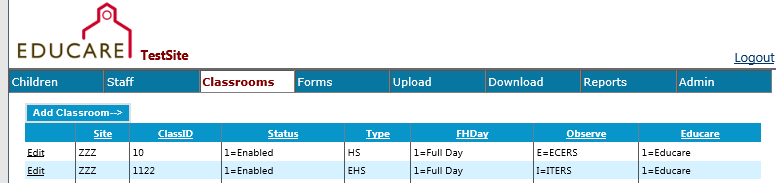
ClassID is fully customizable. Numbers and letters can be used. Some sites choose to use the same ID as their physical classroom number.
Upload
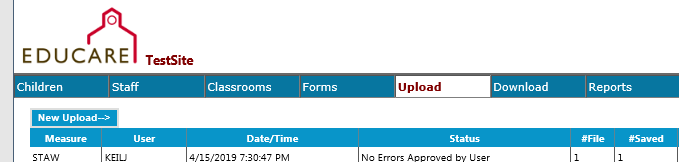
Click on the New Upload button. From the New Upload page, you will select Class [Initial Setup] from the Select Measure dropdown. You are able to download a Class Initial Setup template (and a number of other templates) and then upload the template once it is completed.
Go to the Documents section of FPG’s SharePoint site to find a data dictionary of the variables to use in uploads (codes for status, etc.). The data dictionaries are in the Educareis Website Dictionaries folder.
If it is helpful for you to sort the list on the Classrooms page, you can click the heading (such as Class ID, Status, or Type) and it will sort in ascending or descending order.