Entering Data
DECA data are entered into the main survey website: https://survey.fpg.unc.edu/educareis/
Log in with your UNC ONYEN and password.
DECA data can be entered either manually or via upload.

Di Mangels, former member of the LEP team at Educare Denver, created and shared this document outlining how to clean DECA data for upload to the FPG EIS site.
Manual Entry
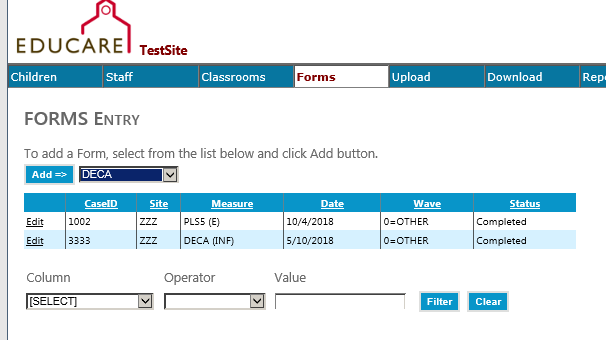
To enter DECA scores for one child, go to the Forms tab and choose DECA from the dropdown menu
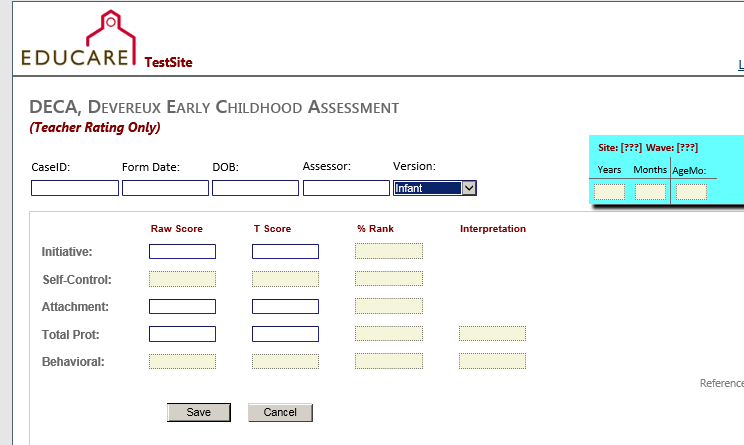
Select the appropriate Version from the dropdown menu and complete the required fields
Upload Entry
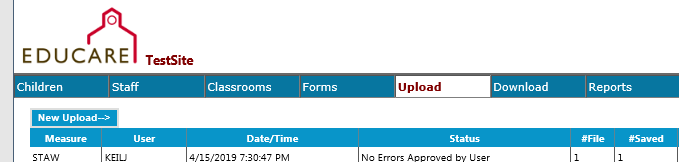
To add DECA scores for multiple children, you can go to the Upload tab and click New Upload
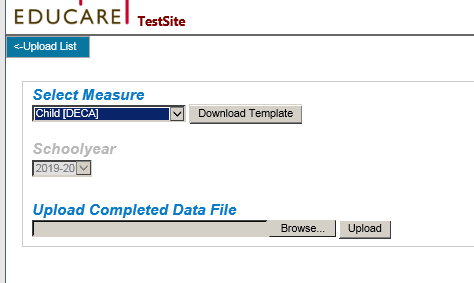
Then choose Child (DECA) from the Select Measures dropdown menu. Click Download Template, complete the required fields, and then upload the completed data file.