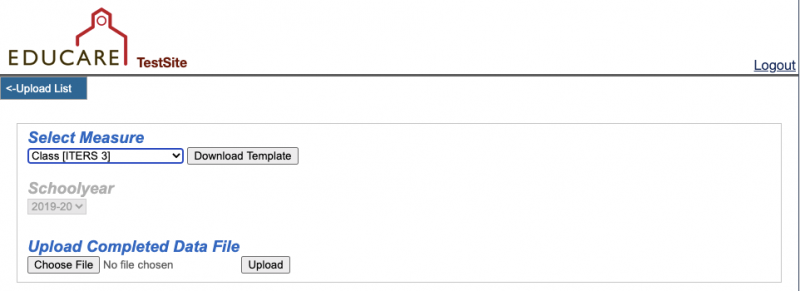
Entering Data
ITERS-3 data are entered either manually or via upload on the National Evaluation survey website: https://survey.fpg.unc.edu/educare
Log-in using your UNC ONYEN and password
Manual
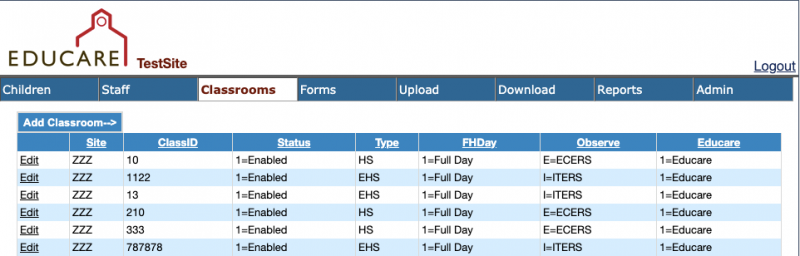
Select the Classrooms tab and click edit beside the classroom you would like to enter ITERS data for
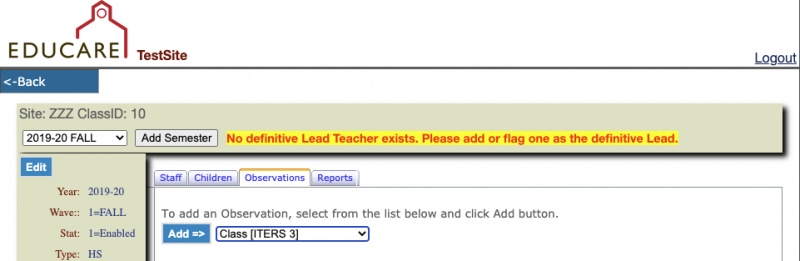
Select the Observations tab. Choose Class [ITERS3] from the dropdown menu and click Add.
Upload
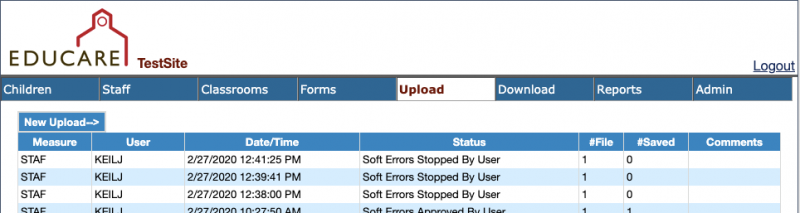
Go to the Upload tab and click on New Upload
Select Class [ITERS 3] from the dropdown menu and download the template. Use the Upload Completed Data File to submit the completed template.