Entering Data
PPVT-4 assessments can be entered both manually for individual children or in batches via upload.
Begin by visiting the National Evaluation survey website: https://survey.fpg.unc.edu/educareIS and logging in with your UNC ONYEN and password.
Manual
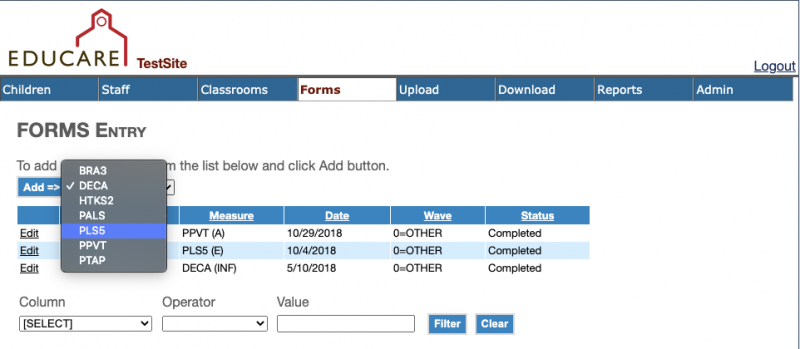
Select the Form tab. Choose PPVT from the dropdown menu and click Add
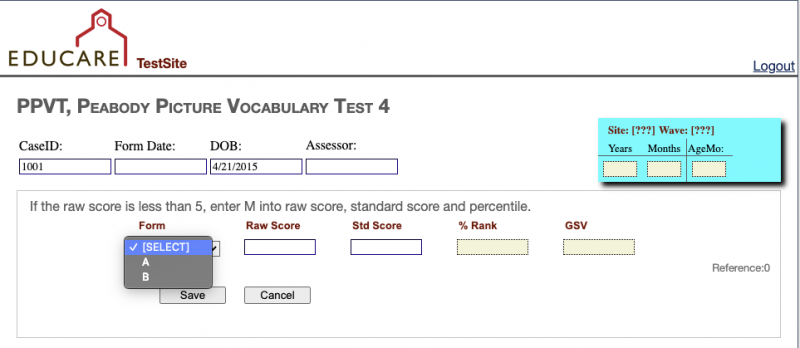
Select the correct form from the dropdown menu and fill in the required information
Upload
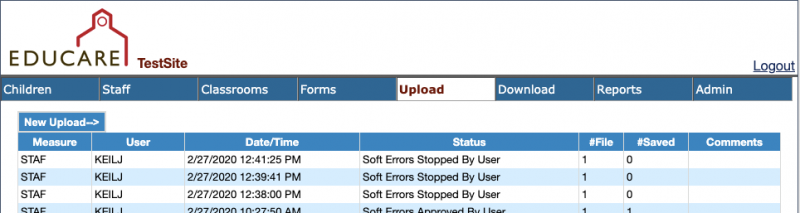
Select the Upload tab, then click New Upload
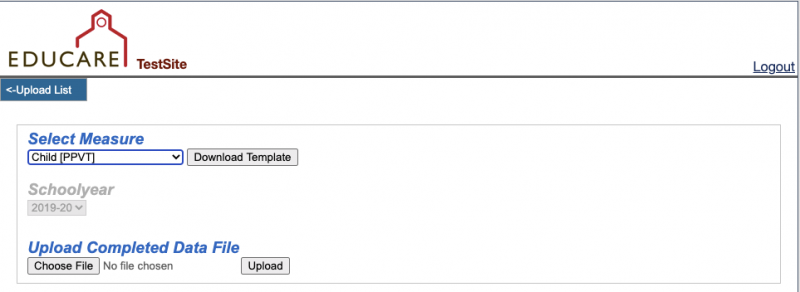
Select Child[PPVT] from the measures dropdown menu and click Download Template. Once the template is completed, upload the file