Entering Data
Like other data entry for the National Evaluation, PLS-5 assessments can be entered both manually and via upload. To begin, visit https://survey.fpg.unc.edu/educareIS
Log in with your UNC ONYEN and password.
Manual
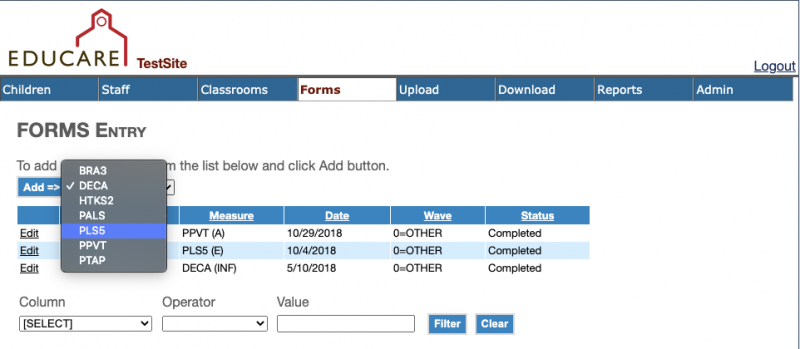
Select the Forms tab. Choose PLS5 from the dropdown menu and then click Add
Select the appropriate form language from the dropdown menu. Fill in the required boxes
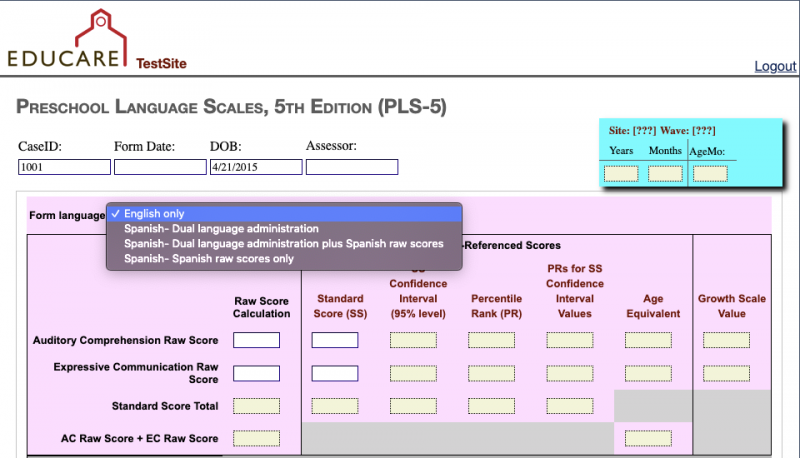
Expressive Communication scores are not required by the Educare National Evaluation but can be entered if you choose to collect them. To skip the Expressive Communication score boxes, enter a captial M in those fields:

Upload
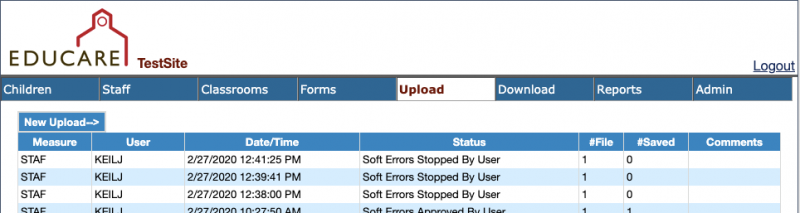
Select the Upload tab, and click New Upload
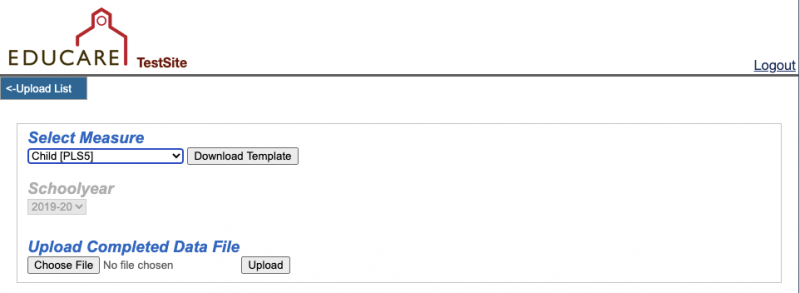
Select Child[PLS5] from the dropdown menu and click download template. Complete the template and finish by uploading the completed data file